

Table of Content
Sales order processing is one of the repetitive yet business-critical jobs for distributors, manufacturers, wholesalers and other industries. Customer orders are received through emails, PDFs, spreadsheets, portals and other channels. Sales teams then spend significant time reading order information, entering it into ERP systems, verifying inventory and resolving mismatches or unusual exceptions.
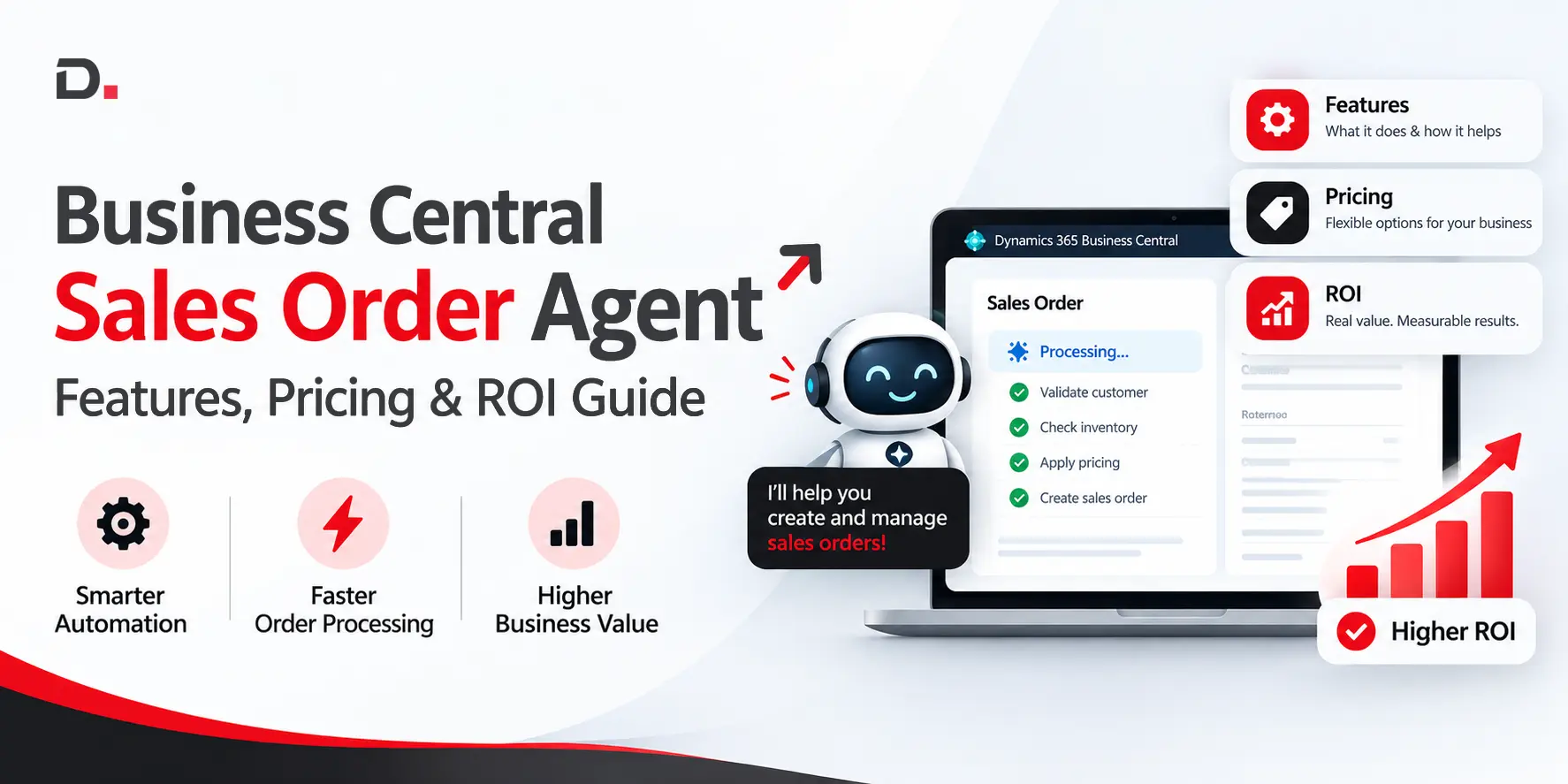
The Business Central Sales Order Agent is an AI-powered agent that automates sales order work inside Microsoft Dynamics 365 Business Central. Instead of relying entirely on manual data entry, businesses can use an AI-powered workflow to understand incoming orders, prepare quotes and orders, and speed up order handling.
Unlike a generic AI order entry tool, the Dynamics 365 Sales Order Agent is built around a specific Business Central process.
For Australian businesses, the commercial question is not only whether AI can automate order entry. The real question is whether the automation can reduce manual effort, improve throughput and deliver enough value to make Copilot Credits, implementation and ongoing operating costs worthwhile.
In this guide, we explore the capabilities, practical implementation considerations, pricing drivers and potential ROI of a Business Central Sales Order Agent.
What Is a Business Central Sales Order Agent?
A Business Central Sales Order Agent is an AI-powered agent designed to help businesses handle customer sales orders more efficiently inside Microsoft Dynamics 365 Business Central.
Sales order entry normally requires a staff member to review a customer email or message, extract product and quantity details, identify the customer and manually enter the information into Business Central.
As order volumes increase, this process can become a significant operational challenge.
With an AI sales order agent, much of this workflow can be handled automatically. The agent can interpret order information, align it with existing customer and product records, and support the creation of sales quotes and sales orders in Business Central.
The overall goal is to reduce repetitive administrative work, accelerate processing and produce more consistent results while keeping people involved in important review and approval steps.
For organisations already using Business Central, this approach can extend the value of their ERP investment by adding Business Central AI sales automation to an existing process without requiring a complete replacement of their current systems.
How Does a Sales Order Agent Work?
Although the exact capabilities depend on the Microsoft solution, configuration and business environment, the typical workflow includes the following stages:
1. The Agent Checks a Microsoft 365 Mailbox
Sales Order Agent works through email. It monitors a mailbox and folder configured for new customer requests. The mailbox must be a Microsoft 365 user mailbox or shared mailbox within the organisation.
For example, an Australian distributor can have the agent monitor a dedicated sales inbox where customers send purchase orders and quote requests.
2. The Agent Identifies the Customer and Request
The agent analyses the incoming email and identifies the customer by matching the sender’s email address with contact records in Business Central. It can also read supported information from the email body and attachments, including product identifiers, quantities and other order-related details.
Accurate customer and item master data is essential because the agent depends on Business Central records when matching requests. If contact email addresses or item records are incomplete, the match may require manual assistance.
3. The Agent Checks Item Availability
Depending on the configuration, Sales Order Agent can check whether the requested items are available in the required quantities before adding them to the sales quote or order.
4. The Agent Creates a Sales Quote
Sales Order Agent creates or updates a sales quote using the customer’s request. It then prepares a response to the customer with the quote attached as a PDF.
5. Human Review Remains Part of the Process
Depending on the configuration, users can review incoming messages, quotes and orders, make necessary changes and confirm each step before the agent continues. Outgoing emails require human review before they are sent.
6. Customer Confirmation Moves the Quote Towards an Order
Once the customer confirms the quote, Sales Order Agent can continue by converting the quote into a sales order. This remains subject to the configured workflow and any required user confirmations.
For trusted customers, the agent can also be configured to convert quotes directly into orders without first sending the quote for customer confirmation.
Afterwards, the agent prepares the relevant sales order communication for the customer.
The standard workflow is:
Email → Quote → Customer Confirmation → Sales Order
Key Features of Business Central Sales Order Agent
The primary value of a sales order agent comes from combining AI capabilities with ERP data and established business workflows.
Key features of Business Central Sales Order Agent include:
AI-Powered Order Processing
AI can interpret unstructured customer order information. This is particularly useful when orders do not follow a single standardised format or when customers provide information in different ways.
Instead of requiring every customer to submit details in the same format, organisations can use AI to process a broader range of incoming order structures.
Automated Sales Order Entry
Manual sales order entry can consume significant time within sales administration. A sales order agent can reduce repetitive typing and minimise time spent on routine data entry activities.
Business Central Integration
One of the primary advantages of using a Dynamics 365 Sales Order Agent is its connection with the ERP environment.
Instead of introducing an isolated automation platform, businesses can connect sales order processing directly with Business Central data and workflows.
Intelligent Item Matching
The 2026 updates significantly improve item matching. The agent initially searches for exact identifiers such as item numbers, vendor item numbers, GTINs and cross-references. It then uses semantic attribute matching before falling back to a broader fuzzy search.
Human-in-the-Loop Review
Sales Order Agent can ask users to review and confirm steps that require business judgement because some decisions cannot be handled through automation alone.
Multiple Agent Instances
With the Business Central 2026 release, businesses can run multiple Sales Order Agent instances within the same company.
Agent Permissions and Administration
Business Central includes specific permissions for managing and administering agents. The permissions required for Sales Order Agent depend on the activities performed by each user.
- AGENT - ADMIN: Used for agent configuration and administration.
- D365 Agent: Used for working with agent-related tasks.
- AGENT - DIAGNOSTICS: Used when access to detailed diagnostic information is required.
Creating a Sales Order Agent instance requires the Configure All Agents system permission.
Agent-Level KPIs
Each agent instance tracks its own activity, including measures such as:
- Emails received
- Sales quotes created
- Sales orders created
- Time saved
Business Central Sales Order Agent vs Manual Order Entry
The following table highlights the key differences between traditional order processing and Business Central Sales Order Agent:
| KPI | Before Sales Order Agent | After Pilot |
|---|---|---|
| Average processing time | Establish baseline | Measure results |
| Manual-touch rate | Establish baseline | Measure results |
| Error rate | Establish baseline | Measure results |
| Orders processed per employee | Establish baseline | Measure results |
| Copilot Credits per request | Not applicable | Measure usage |
| Time saved | Not applicable | Measure results |
| Cost per order | Establish baseline | Measure results |
Sales Order Agent Pricing: What Should Businesses Expect?
Pricing is one of the most important considerations for Australian businesses evaluating a Sales Order Agent.
The first area to understand is the difference between the Business Central licence cost and the AI consumption generated by the agent.
Microsoft currently lists Business Central Essentials and Premium in Australia at AU$119.70 and AU$164.60 per user per month respectively, paid yearly and excluding GST. Microsoft lists Sales Order Agent and Payables Agent separately and states that both require Copilot Credits.
Explore Business Central capabilities and licensing information here: Microsoft Dynamics 365 Business Central Partner.
Business Central includes Copilot capabilities, but Sales Order Agent still requires Copilot Credits.
Therefore, Dynamics 365 Sales Order Agent should be planned as a consumption-based AI capability rather than being treated as a feature fully covered by the standard Business Central user licence.
Business Central 2026 Updates: What Has Changed?
The Business Central Sales Order Agent continues to evolve throughout the 2026 release cycle. Important updates include:
Multiple Sales Order Agent Instances
Businesses can now configure more than one Sales Order Agent instance within a single company. Each instance can have its own mailbox, rules and configuration.
Smarter Item Matching
The agent now matches items in multiple stages. It starts with exact identifiers such as item numbers, vendor item numbers, GTINs and cross-references. It then evaluates semantic product attributes before using a broader fuzzy search.
PDF Attachments of Up to 50 Pages
Current documentation states that Sales Order Agent can process PDF attachments of up to 50 pages, increased from 10 pages, provided the file-size and cumulative-content limits are not exceeded.
Relevance Filtering
The agent can evaluate incoming messages and attachments for relevance before processing begins. This can help prevent credits from being consumed by marketing emails or requests that fall outside the configured sales order workflow.
Business Central Version 29.0
Business Central 29.0 is currently in public preview, with general availability expected in October 2026.
For Australian businesses considering an AI agent rollout, version planning and sandbox testing should form an important part of the implementation strategy.
Sales Order Agent Implementation: How Should Businesses Plan?
A successful Sales Order Agent implementation starts with mailbox permissions, Business Central data quality and a clearly defined human review process.
The primary implementation steps include:
- Set up a Microsoft 365 mailbox.
- Configure mailbox permissions, including Full Access and Send As.
- Set up Copilot Credit billing in the Business Central admin centre.
- Review customer master data, particularly contact email addresses.
- Clean and standardise item and cross-reference data.
- Configure the required human review and approval steps.
- Begin with a controlled pilot before expanding usage.
KPIs to Measure After Implementation
Dynamics 365 Sales Order Agent provides agent-level visibility into several important measures.
Microsoft highlights metrics such as:
- Emails received
- Sales quotes created
- Sales orders created
- Time saved
Businesses can also monitor additional operational indicators, including:
- Average order-processing time
- Manual-touch rate
- Exception rate
- Order-entry error rate
- Cost per order
- Quote-to-order cycle time
- Order-to-fulfilment time
A simple pilot scorecard could compare the following measurements:
| KPI | Before Sales Order Agent | After Pilot |
|---|---|---|
| Average processing time | Establish baseline | Measure results |
| Manual-touch rate | Establish baseline | Measure results |
| Error rate | Establish baseline | Measure results |
| Orders processed per employee | Establish baseline | Measure results |
| Copilot Credits per request | Not applicable | Measure usage |
| Time saved | Not applicable | Measure results |
| Cost per order | Establish baseline | Measure results |
Who Is Sales Order Agent Not Suitable For?
Microsoft Sales Order Agent may not be the right fit for every sales operation. Its suitability depends on the organisation’s workflow, data quality and the complexity of its everyday sales processes.
Sales Order Agent may be less suitable when:
- Most sales orders arrive through channels outside supported email workflows.
- Customer and item master data is highly inconsistent.
- Orders require complex commercial discussions before a quote can be produced.
- Nearly every request requires substantial human interpretation and repeated checking.
- The organisation uses Business Central on-premises instead of Business Central Online.
- The business is not ready to establish mailbox permissions and human review processes.
Conclusion
Microsoft Sales Order Agent brings AI into a defined Business Central process, helping businesses reduce repetitive manual work while keeping people involved in important review and approval activities.
The potential value depends on order volume, data quality, workflow configuration and Copilot Credit consumption. A controlled pilot can turn these variables into measurable outcomes and help determine whether the agent is suitable for the organisation’s operations.
Explore Sales Order Automation with Dynamics Square
Connect with Dynamics Square to assess your Sales Order Agent use case, estimate Copilot Credit requirements and plan the right implementation approach for your business.
Frequently Asked Questions
What Is Microsoft Sales Order Agent?
Microsoft Sales Order Agent is an AI agent within Business Central that helps process sales order requests received through customer emails. It can identify the customer, interpret the request, check item availability, create a sales quote and help move the confirmed quote into a sales order while keeping users involved in review and confirmation steps.
Does Sales Order Agent Create a Sales Order Immediately?
No. It creates a sales quote first. In the standard workflow, the quote is sent to the customer for confirmation. Once confirmed, the agent can convert it into a sales order, subject to the configured user confirmations.
For trusted customers, the agent can be configured to convert quotes directly into orders without first sending the quote for confirmation.
Does Sales Order Agent Require a Microsoft 365 Mailbox?
Yes. The configured mailbox must be a Microsoft 365 user mailbox or a shared mailbox within the organisation.
Does Sales Order Agent Require Copilot Credits?
Yes. Microsoft Sales Order Agent is a consumption-priced Business Central agent. It uses Copilot Credits for AI interactions and the actions it performs.
Is Sales Order Agent Available for Business Central On-Premises?
No. Microsoft states that Business Central Copilot capabilities and agents are available only for Business Central Online.


Need The Best Dynamics 365 Implementation Partner?
Connect with our 15 Years of experienced, trusted and Australia-backed localised experts for seamless Dynamics 365 solution implementation. We help you adapt faster, work smarter and perform better, with full transparency.
Disclaimer– “All data and information provided on this blog is for informational purposes only. Dynamics Square / MPG Business Information Systems Pvt. Ltd. makes no representations as to accuracy, completeness, currentness, suitability, or validity of any information on this site and will not be liable for any errors, omissions, or delays in this information or any losses, injuries, or damages arising from its display or use.”


Related Posts & Blogs
Contemporary businesses are changing at a rate of knots using innovative business solutions to stay afloat. Know more about industry trends, challenges and opportunities in detail after going through an array of exciting blogs.
Read the blogs penned by industry-experts who know the nerve of the business to start your digital transformation journey.
Learn how Business Central streamlines manufacturing, optimises costs, and boosts efficiency....


Learn why Dynamics 365 Business Central is the trusted ERP for Australian SMBs—boost efficiency, gain insigh...
.webp)
Learn how Business Central streamlines the quote to cash process ERP with automation, CRM ERP integration, and...