

Table of Content
Modern manufacturers really cannot just lean on spreadsheets, or those kind of disconnected systems, and definitely not on manual planning if they want production to run smoothly.
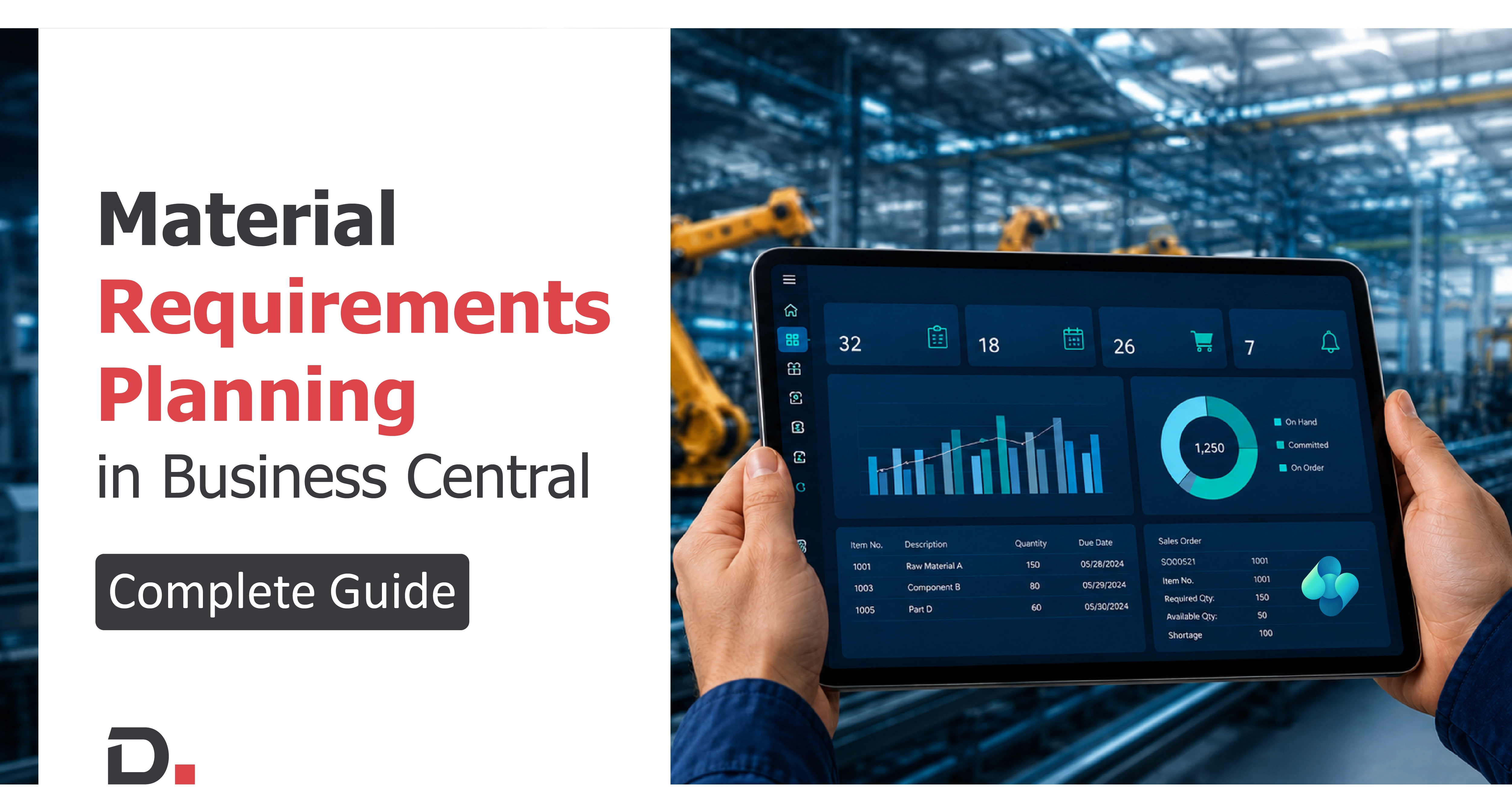
When raw materials show up late, the inventory numbers get skewed a little, or the customer demand changes, profitability and delivery schedules can get nudged pretty fast in the wrong direction, somehow. Material Requirements Planning (MRP) is a key piece of the whole manufacturing and inventory management puzzle, especially inside the Microsoft Dynamics 365 Business Central (BC) ecosystem.
This is the moment where Business Central MRP starts to matter.
With Material Requirements Planning ERP capabilities inside Microsoft Dynamics 365 Business Central, you can automate things like purchasing, production layout, inventory control, and even scheduling all from one platform. Instead of waiting and then reacting to shortages after they show up, organizations can get ahead by planning materials, labor capacity, and production timelines with real time visibility so the operation stays steady even when things get weird. It serves as a strategic planner and operational guide, ensuring that materials are available for production and products are ready for delivery.
In this full guide, we will walk through how Dynamics 365 Business Central manufacturing supports organisations with Material Requirements Planning (MRP), helps tighten forecasting accuracy, and improves overall production efficiency enriched with a practical example to elucidate its functionality and impact.
Who Can Benefit from This Blog?
This guide is ideal for,
- Manufacturing business owners planning ERP modernization
- Production managers dealing with scheduling and material planning
- Inventory and warehouse teams managing stock availability
- Supply chain and procurement pros handling purchasing delays
- Operations managers looking to boost production visibility
- Manufacturers who are stuck with spreadsheets or disconnected planning systems
- Businesses evaluating Microsoft Dynamics 365 Business Central for manufacturing operations
So, whether you work in electronics, automotive, industrial equipment, food manufacturing, discrete manufacturing or more, this blog will help you see how Business Central MRP boosts planning accuracy, strengthens inventory control and improves production efficiency.
Understanding MRP in Dynamics 365 Business Central
MRP (Material Requirements Planning) is a system used by companies especially in manufacturing to plan and control inventory, production, and purchasing so that the right materials are available at the right time.
In simple terms:
MRP answers three key questions:
- What materials are needed?
- How much is needed?
- When are they needed
MRP is designed to meet three primary objectives: ensuring material availability, maintaining the lowest possible material and product levels in stock, and planning manufacturing activities, delivery schedules, and purchasing activities. It's a system that helps businesses manage their manufacturing processes more efficiently, minimizing waste and ensuring that the resources are available just in time.
Business Central MRP kind of figures out what materials are needed by looking at sales forecasts, the production timetable, and also what’s already in inventory. And it does that in a way that feels connected rather than separate.
It also integrates with the Bills of materials feature in Business Central, so that each component or sub-assembly is checked to make sure it is available when production starts. This helps keep everything in place for the full assembly.
MRP is basically used alongside Production scheduling, so demand and supply can be balanced, more or less, without one side running ahead.
Then it sends action messages like create, reschedule, or cancel, in order to keep operations aligned and on track with the plan.
Key features of MRP in Business Central:
- Planning worksheet
- Requisition worksheet
- Integration with BOMs and routings
- Capacity planning
Why Manufacturers Need MRP Today?
Manufacturing environments have become increasingly complex due to:
- Supply chain disruptions
- Fluctuating customer demand
- Rising inventory costs
- Multi-location operations
- Shorter delivery expectations
Without an integrated MRP system, businesses often face:
- Stock shortages
- Overstocking
- Delayed production
- Inefficient procurement
- Poor production visibility
- Increased operational costs
Challenges in Manufacturing Without MRP
- Inventory imbalances: Too much stock jams up working capital, while a shortage can just stop production all together.
- Complex supply chains: Several suppliers, different lead times, and demand that keeps shifting make manual planning error prone, like you’re always guessing.
- Production delays: If schedules are not synced up, bottlenecks show up in assembly and the production line, no matter what you do.
- Poor visibility: When there is no real time tracking between demand and supply you end up doing reactive firefighting not some proactive planning.
Advantages of Dynamics 365 Business Central for Manufacturing
Improved production efficiency
- reduce downtime
- boost scheduling accuracy
- raise resource utilization
- streamline procurement
Better decision-making
- inventory availability
- production progress
- material shortages
- supplier delays
- capacity utilization
Lower operational costs
- emergency procurement expenses
- excess inventory
- production delays
- manual administrative effort
Enhanced customer satisfaction
When planning is accurate, delivery reliability improves, and production stays consistent.
How MRP Works in Business Central?
The MRP engine in Business Central sort of checks demand and supply signals all over the organization, then it produces planning suggestions automatically, a lot faster than people doing it by hand.
It looks at things like existing inventory, open purchase orders, production orders, sales demand, forecasted demand, lead times and reorder policies.
After that, the system gives out recommendations such as purchase orders, transfer orders and production orders.
Practical Example of MRP in Action
Step 1: Input Data
- Sales Forecast
- Production Plans
- Inventory Levels
Step 2: Implementing MRP
Company inputs the forecasted demand, existing production plans, and inventory data into Business Central.
Step 3: MRP Calculation
Business Central’s MRP processes the data and forecasts material requirements.
Step 4: Actionable Insights
MRP output advises purchase orders and timelines.
Step 5: Execution
Orders are placed and production runs smoothly.
Industries that can really benefit
- Discrete manufacturing
- Industrial equipment
- Automotive
- Electronics
- Food and beverage
- Medical devices
Best Practices for MRP ERP Rollout
- Maintain Accurate Data
- Define Reordering Policies
- Train Teams
- Monitor Performance
Conclusion
Efficient material planning is essential for modern manufacturing success.
With Business Central MRP, manufacturers can automate planning and improve visibility.
As manufacturing complexity increases, modern MRP solutions help improve productivity and reduce costs.


Witness a Scalable Transformation
Experience real-time synchronisation and flexibility with a consistent view across your business.
Disclaimer– “All data and information provided on this blog is for informational purposes only. Dynamics Square / MPG Business Information Systems Pvt. Ltd. makes no representations as to accuracy, completeness, currentness, suitability, or validity of any information on this site and will not be liable for any errors, omissions, or delays in this information or any losses, injuries, or damages arising from its display or use.”


Related Posts & Blogs
Contemporary businesses are changing at a rate of knots using innovative business solutions to stay afloat. Know more about industry trends, challenges and opportunities in detail after going through an array of exciting blogs.
Read the blogs penned by industry-experts who know the nerve of the business to start your digital transformation journey.

Read this blog post to learn the difference between Business Central and Dynamics 365 Finance & Operations, Su...

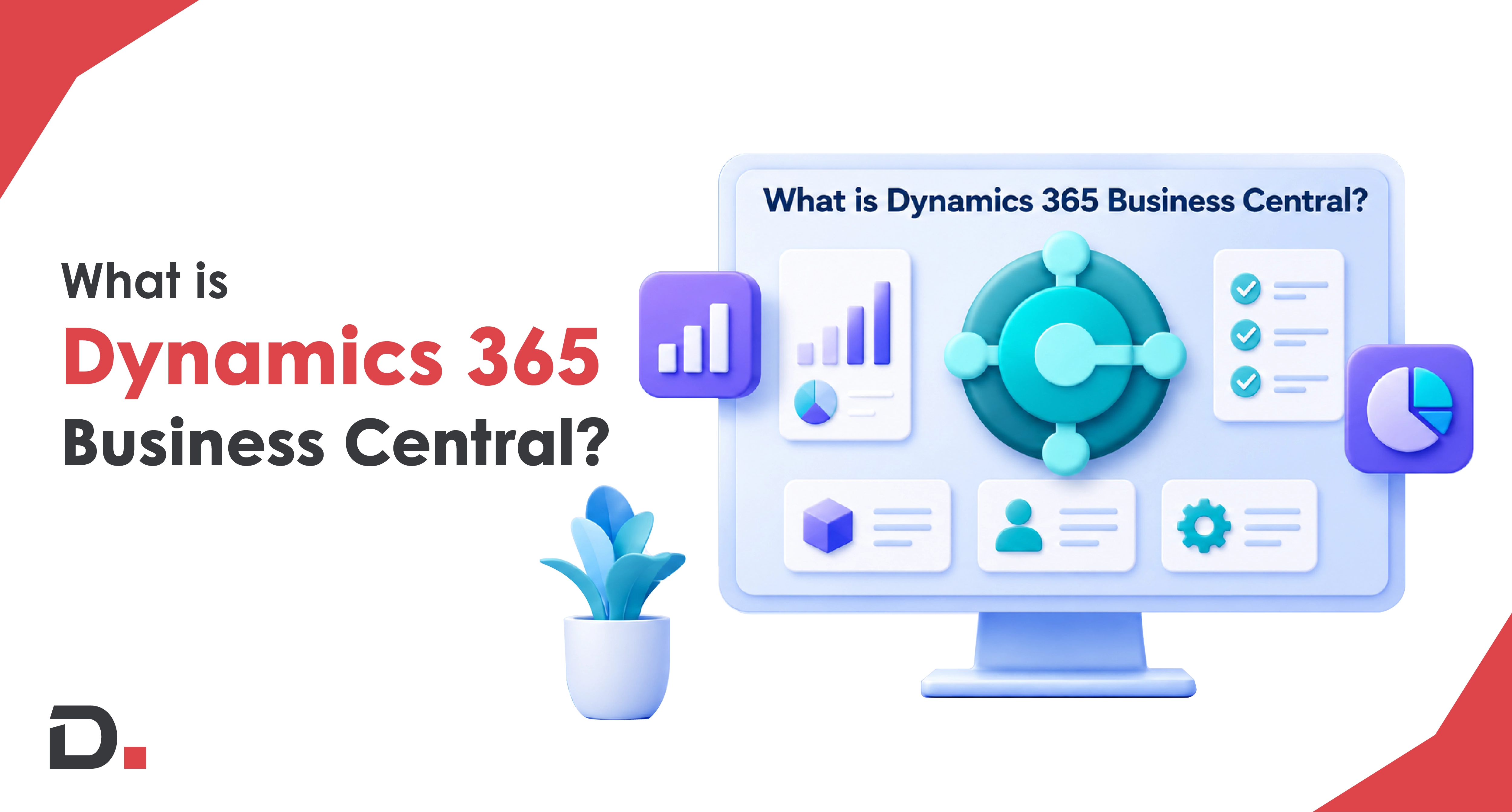
Dynamics 365 Business Central (formerly known as Dynamics Navision) is an all-in-one business solution. With...

Business Central is the best ERP software for small and medium businesses. It helps you manage your finances, ...

Discover how AI and AI agents in Microsoft Dynamics 365 Business Central help Australian businesses boost prod...